AI previs is the use of generative and analytical AI tools to visualize scenes, sequences and environments before the shoot: rough animated sequences, storyboards and shot plans that let a director test blocking, coverage and pacing while changes are still cheap. Nothing it produces is meant for the screen. It exists to make better decisions earlier.
That is exactly why pre-production is where AI earns its place most clearly today. This guide explains what AI previsualization is, how it relates to pitchvis, techvis and postvis, where it saves real shooting time, where it still falls short, and how to bring it into a production without creating new risks.
Key takeaways
- AI previs uses generative tools to build rough visual plans for a sequence before principal photography, so creative and logistical problems surface in an office instead of on set.
- Previs and previz are the same thing: both are short forms of previsualization, and both spellings are in common use.
- Pre-production suits AI well because the output is provisional. It has to be useful, not perfect.
- The biggest saving is downstream: fewer setups, fewer re-planned sequences and fewer surprises for post-production.
- Shot-to-shot consistency, physical accuracy and performance are still where generated imagery struggles.
- Measure AI previs by setups and shooting days, not by how many people use the tool.
Table of contents
- What is AI previs?
- Is it previs or previz?
- Pitchvis, previs, techvis and postvis: where AI fits
- Why AI in pre-production works better than AI on screen
- Where AI previz helps, and where it falls short
- A worked example: a chase sequence on a mid-budget schedule
- What is the best previs software for your team?
- Adopting AI previs without disrupting the production
- Making the first AI previs sequence count
- Frequently asked questions
What is AI previs?
AI previs is previsualization produced with the help of AI: a director or previs artist describes a scene, supplies a script page or sketches, and the tools return rough frames, animatics or 3D layouts that can be revised in minutes rather than days.
Previsualization itself is not new. Wikipedia defines it as “the process of visualizing scenes, sequences, or environments before their physical production,” and traces the practice from silent-era storyboards through the Star Wars films, where Industrial Light & Magic templated space battles with aerial footage and Dennis Muren used video of miniatures and toy figures to plan the speeder bike chase in Return of the Jedi. What AI changes is the cost of each attempt. A version of a sequence that once needed a previs artist for several days can now be roughed out, discarded and redone the same afternoon.
In practice, AI previs covers a handful of outputs:
- Generated storyboards from script pages or descriptions, fast enough to explore alternatives instead of settling on the first workable idea.
- Rough animatics that show timing, camera movement and cutting points.
- Environment and character concepts that can be iterated before an art department commits budget.
- Shot lists and breakdowns extracted from the script as a first pass that a supervisor corrects rather than compiles.
Is it previs or previz?
Both spellings are correct. Wikipedia lists previs, previz, pre-vis and pre-viz among the accepted short forms of previsualization, and you will see all of them in credits, job postings and software menus. The Third Floor, for example, writes “previs,” while plenty of crews and forums write “previz.”
The same goes for the AI versions. “AI previz” and “AI previs” describe the same practice, and “AI previsualization” is simply the long form. Pick one spelling for your own documents and folder structures so that searches across shared storage actually find the files.
Pitchvis, previs, techvis and postvis: where AI fits
Visualization is a family of related jobs rather than a single deliverable, and AI helps some of them much more than others. The Third Floor, one of the best-known visualization studios, describes previs as “a virtual sandbox for creatives and other crew to explore creative ideas, including staging, camera composition, editing and lighting,” and describes pitchvis as an animated preview a director uses during pitches and fundraising.
| Type | What it is for | How much AI helps today |
|---|---|---|
| Pitchvis | Selling a take on a project to financiers, studios or partners | High, as long as it is labeled as provisional |
| Previs | Exploring staging, camera, pacing and editing before the shoot | High: fast iteration is the whole point |
| Techvis | Turning previs into real-world numbers: lenses, camera height, rig reach, set dimensions, stunt geometry | Low to moderate: needs engineering accuracy, not generation |
| Postvis | Temporary composites of live footage and rough CG for the edit | Moderate: useful for temp shots that editors and reviewers will replace |
The pattern is clear. The closer the output is to a disposable idea, the more AI helps. The closer it is to a measurement or a final frame, the more a specialist has to own it.
Why AI in pre-production works better than AI on screen
Pre-production suits AI because the tolerance for imperfection is high and the value of speed is enormous. A previs sequence exists to answer questions: does this blocking work, how long does the sequence run, how many setups will it take? Once those questions are answered, the previs is thrown away.
That makes it exactly the kind of work where “quickly and roughly right” beats “slowly and beautifully wrong.” Compare it with a final visual effects shot, where the bar is invisible perfection and any artifact is a problem. The same technology performs very differently against those two standards.
Key insight: The real shift is not any single tool. It is that iteration becomes affordable. When a rough version of a sequence costs minutes, a director can test ten approaches instead of one, and the version that reaches the floor has been pressure-tested rather than merely approved.
Historically, pre-production explored only a few options because each one cost time. A director looked at one or two approaches to a difficult sequence, chose, and committed. AI in pre-production changes that economics, and it does so at the stage where decisions are cheapest to change.
Where AI previz helps, and where it falls short
AI previz is most useful for exploring options quickly and least useful where precision, continuity or performance matter. Being specific about both sides is more useful than enthusiasm.
Where it genuinely helps
- Sequence exploration. Roughing out blocking, coverage and pacing while decisions are still cheap.
- Storyboarding. Producing frames fast enough that a director can compare alternatives. Our guide to how AI storyboard generators fit into pre-production covers this step in more depth.
- Environment and look development. Testing twenty visual directions for a location in a day, then building the one that works.
- Script breakdown. Pulling cast, props, locations and VFX flags from the script as a first pass.
- Reference gathering. Assembling visual references for heads of department at speed.
Where it does not yet earn a place
- Anything requiring physical accuracy. Stunt planning, practical effects and rigging need engineering, not generation.
- Performance. Nothing generated substitutes for what an actor brings, and previs should never pretend to.
- Continuity across a long sequence. Many generative tools still let characters and environments drift from shot to shot, which matters once previs starts feeding techvis or postvis.
- Final creative judgment. The tools produce options. Choosing the right one is the job, and it stays with the director and heads of department.
A worked example: a chase sequence on a mid-budget schedule
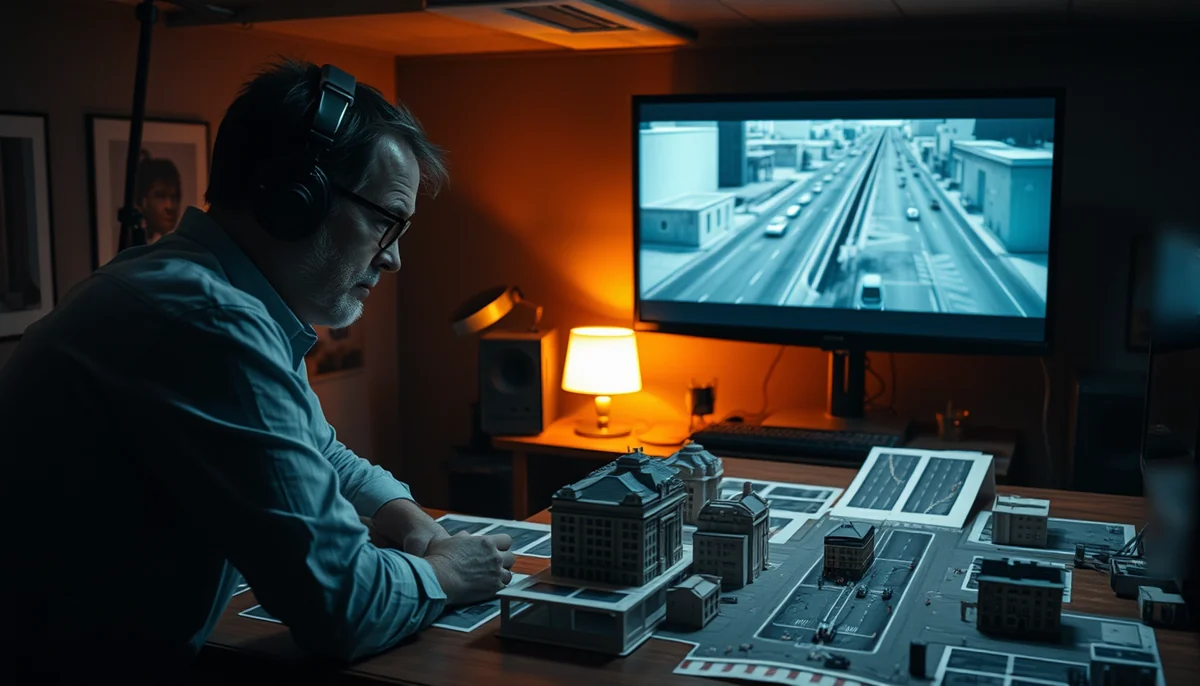
Consider a production that cannot afford a traditional previs house. One sequence is a chase through a real location with limited access, a fixed number of shooting hours and stunt elements that need careful planning.
Without previs, the production arrives with a shot list, a rough diagram and a plan that lives largely in the director’s head. Problems surface on the day, and the floor is the most expensive place to solve anything.
With AI previs, the same sequence is roughed out in a day. Three approaches to the geography are tested. The director discovers that one approach needs a camera position the location cannot accommodate, and that another covers the same story beats in fewer setups. The stunt coordinator then takes the chosen approach into proper stuntvis and rehearsal.
Nothing generated appears in the film. What the process produced was a decision made weeks early, in an office, rather than late in the day on location with a full crew waiting.
Key insight: The saving from AI previs rarely shows up in the previs budget line. It shows up in the setups that never had to be shot and the half-day that was never lost on the floor.
What is the best previs software for your team?
The best previs software is the one that matches who is doing the work and how far the output has to travel. There is no single winner, and the options fall into a few groups.
- 3D and real-time engines. Wikipedia’s list of previs tools includes Autodesk Maya, MotionBuilder, Unreal Engine and Unity. These give previs artists full control and feed techvis and virtual production well, but they need skilled operators.
- Director-friendly 3D storyboarding apps. Previs Pro, for example, runs on Mac, iPad and iPhone and, as listed on its site in September 2026, offers 3D storyboards, an AR virtual camera, screenplay import, timeline export to editing software, and AI features such as generating props and actors from text descriptions, with a free way to get started.
- Generative video and image tools. Fast for concept frames and mood, weaker on continuity and camera control. Our comparison of Big Idea, Runway and Sora looks at how these differ for production work.
- End-to-end AI-assisted production platforms. Tools built to carry a project from script through storyboard, pre-viz and render, so the previs is not a dead end.
Ask three questions before choosing: who will operate it day to day, does it keep characters and environments consistent across shots, and can its output move into the next stage without being rebuilt?
Adopting AI previs without disrupting the production
Teams that introduce AI previs successfully start small, keep department heads in charge and set rules for confidentiality and provenance before anyone asks. The pattern is consistent across studios and production companies.
- Start with one department. Usually previs or storyboards, where the output is clearly provisional and the existing process is well understood.
- Keep the department head in charge. The tool serves the discipline. The previs supervisor or director still decides what the sequence needs.
- Know what you are feeding the tools. Scripts and unreleased designs entered into third-party systems may be retained or used for training, depending on the terms. For a production under NDA, check the terms of every tool actually in use.
- Label generated material as provisional. Previs shown to financiers that looks finished creates expectations that cost credibility when the real footage differs.
- Track provenance. If any generated element might reach the screen, document where it came from for the delivery conversation.
- Measure what happens on the floor. Did setups per day change? Did shooting days move? Did fewer sequences need re-planning? Did post receive fewer surprises?
If the answer to all of those questions is no, the tools are being used decoratively. If the answer to any of them is yes, the value is real and measurable in the only currency production respects: days.
Making the first AI previs sequence count
AI previs is reliable today precisely because nothing it produces has to survive contact with an audience. Use it to explore more options before money is committed, keep directors and department heads making the calls, and judge it on setups and shooting days rather than enthusiasm.
The best candidate for a first test is the hardest sequence in your script: the one with the most setups, the tightest location or the most VFX. For a sense of how a single project can move from script to storyboard to pre-viz and then to render, see our script-to-screen walkthrough, and for the wider picture of making a complete film with AI assistance, start there. When you are ready to try it on your own material, Big Idea, CineVision’s AI-assisted production platform, lets you enter at any stage, refine characters, locations and props with text prompts, and keep characters and environments consistent from storyboard through pre-viz.