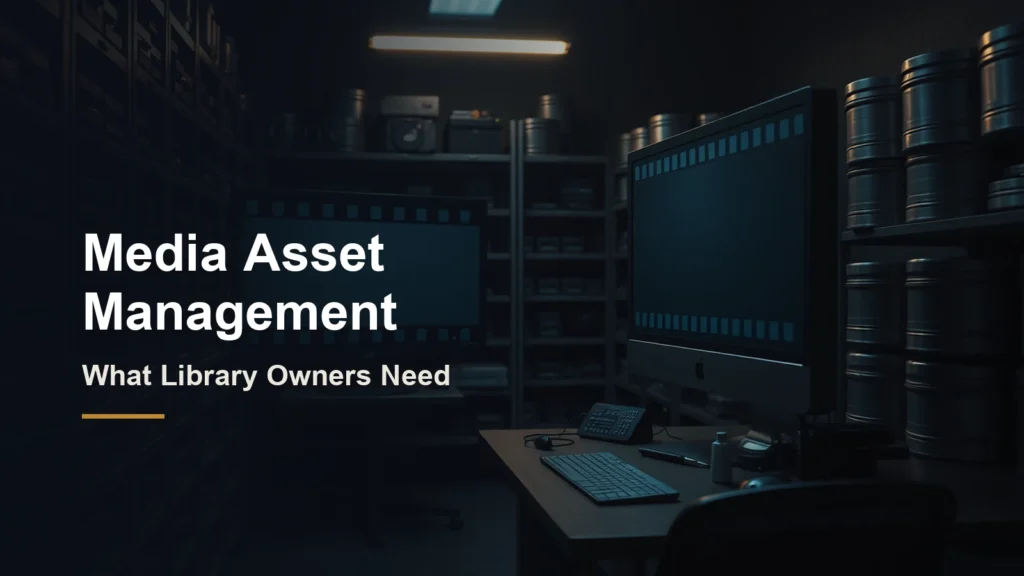
Media asset management (MAM) is the system a studio or content owner uses to store, describe, find, version and deliver its video, audio and related files. For a library owner, a MAM is the system of record: it knows what every title is, which versions exist, what rights apply and where the master lives.
This guide is for owners of film, TV and video libraries who are deciding whether their current setup is good enough to monetize the catalog. One point up front, because it matters for trust: CineVision does not sell a MAM. Our products sit downstream of one, and we explain exactly where later on.
Key takeaways
- A MAM manages large media files and their metadata across production and distribution; a DAM is broader and usually aimed at marketing assets.
- Core MAM functions are ingest, metadata, search, rights tracking, proxies, versioning and delivery to other systems.
- Clean metadata and persistent title IDs matter more than any single feature when you want to license, convert or launch a channel.
- Most library owners should fix identifiers, rights and version history before spending on conversion or new distribution.
- CineVision is not a MAM vendor. Reframe and Tall Tale work downstream, taking finished masters and turning them into new formats and new channels.
Table of contents
- What is media asset management?
- MAM vs DAM: what is the difference?
- What counts as a media asset?
- Core functions of a MAM
- Why clean MAM comes before monetization
- How to evaluate a MAM system
- Cloud vs on-premises MAM
- Where CineVision fits (and where it does not)
- Getting your library ready
- Frequently asked questions
What is media asset management?
Media asset management is software plus process for handling time-based media at scale. AWS, in its best practices guide for MAM on AWS, defines a MAM as a system that manages the storage, organization and collaboration of multimedia files and their associated metadata.
The same guide makes the more useful point for library owners: MAMs are a key integration point with the rest of the media supply chain, naming transcode, editing, scheduling and distribution as examples. In other words, a MAM is less a warehouse than a switchboard. Every downstream system that touches your content, from an editor’s timeline to a channel playout schedule, works better when it can ask the MAM what a file is and where the right version lives.
MAM vs DAM: what is the difference?
A DAM (digital asset management) system manages all kinds of brand and marketing assets, while a MAM specializes in large video and audio files and the workflows around producing and delivering them. The overlap is real, and the line has blurred as DAMs have added better video support.
TechTarget describes MAM as an evolution of DAM that helps organizations handle larger audio and video files that DAM systems may struggle with. It notes that DAM suits teams such as marketing departments, while MAM serves broadcasters and video production agencies, and that MAM metadata goes deeper, including timestamps that help news and sports broadcasters find specific moments.
| Factor | MAM | DAM |
|---|---|---|
| Main users | Studios, broadcasters, post and distribution teams | Marketing, brand and creative teams |
| Typical files | Masters, mezzanines, camera files, audio stems, subtitles | Images, logos, documents, finished videos |
| Metadata depth | Title-level plus time-based (timecode, segments) | Asset-level tags and usage rights |
| Workflow focus | Production, versioning, delivery to distributors | Brand consistency and sharing |
| Integrations | Editing, transcode, QC, scheduling, playout | CMS, marketing automation, design tools |
What counts as a media asset?
A media asset is any file, or any piece of information about a file, that you need to produce, sell or deliver a title. For a library owner, that list is longer than most people expect.
- Picture masters and mezzanine files, including different cuts, restorations and aspect ratio versions.
- Audio: full mixes, stems, music and effects tracks, and dubbed languages.
- Text tracks: subtitles, closed captions and audio description scripts.
- Artwork: key art, thumbnails, stills and trailers.
- Descriptive metadata: titles, synopses, cast, genre, ratings and episode order.
- Rights and contracts: territories, windows, exclusivity, music clearances and expiry dates.
- Technical metadata: codec, resolution, frame rate, color space and loudness.
The rights record is the easiest asset to overlook. A perfect 4K master is worth little if nobody can confirm which territories you can still sell it in.
Core functions of a MAM
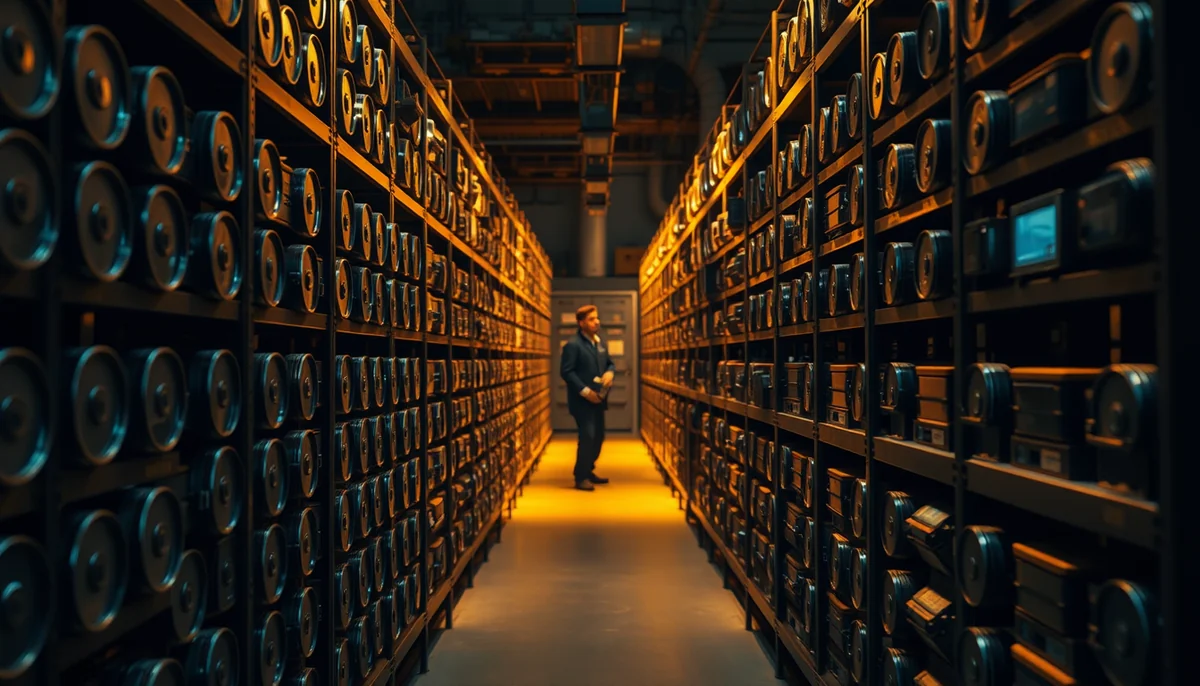
A working MAM ingests files, describes them, lets people find them, tracks versions and rights, and hands the right file to the next system. Each function solves a specific library problem.
- Ingest. Bringing files in with checksums and technical metadata captured automatically, so nothing arrives unverified.
- Metadata and identifiers. A consistent schema tied to persistent IDs. AWS recommends a lightweight metadata schema built against an ID structure such as EIDR to establish relationships between assets.
- Search. Finding titles, and ideally moments within titles, by any field.
- Proxies. Low-resolution copies for browsing and review, so nobody pulls a multi-terabyte master to check one scene. AWS notes proxies and frequently accessed content are kept in hot storage for instant access.
- Versioning. Linking every cut, language and format back to its parent title.
- Rights and availability. Knowing what can be licensed where and when.
- Delivery and integration. Pushing the right file and metadata to editors, transcoders, QC, playout and distributors.
Key insight: The value of a MAM is not storage. It is the ability to answer three questions instantly for any title: what is it, which version is right, and are we allowed to use it here?
Why clean media asset management comes before monetization
Every new revenue move for a library, whether licensing, format conversion or launching a channel, starts by pulling specific titles and proving you can use them. If that step takes weeks of detective work, the opportunity costs more than it earns.
Three problems show up again and again when owners try to monetize an older catalog:
- Duplicate and conflicting records. The same film exists under three spellings, with two runtimes, in four storage locations. The Entertainment Identifier Registry (EIDR) exists to solve this: it assigns one permanent ID to every title and version so partners can identify content the same way across platforms and systems, and it offers guidance on metadata workflows including FAST.
- Unknown master quality. Nobody is sure which file is the best source, so the wrong one gets converted or delivered.
- Missing rights data. Titles sit unused because no one can confirm availability, or worse, get used when they should not.
This is why we tell library owners to clean up identifiers, pick a canonical master per title and document rights before spending on conversion. Our article on turning dead content libraries into new streaming revenue shows what becomes possible once that groundwork is done.
Key insight: A catalog you cannot search is a catalog you cannot sell. Persistent title IDs and a documented canonical master per title are worth more revenue than any single new feature.
How to evaluate a MAM system
Evaluate a MAM on how well it handles your actual files and connects to the systems you already use. Use the table below as a starting scorecard and test every claim with a sample of your own library.
| Criterion | What to ask | Why it matters for a library |
|---|---|---|
| Format support | Can it ingest and proxy our oldest and newest formats? | Legacy catalogs mix formats from many decades |
| Metadata model | Can we define series, seasons, episodes and versions, and store external IDs? | Title-to-version relationships drive every delivery |
| Rights tracking | Is rights data native, or held in a separate system we must integrate? | Availability decides what you can sell |
| Integrations and API | Which editing, transcode, QC and playout tools connect today? | A MAM is only as useful as what it feeds |
| Storage tiers | Can archive assets move to cheaper cold storage automatically? | Most of a catalog is rarely touched |
| Access and security | Can we give partners limited, audited access? | Licensing means sharing files outside the company |
| Exit path | How do we export all files and metadata if we leave? | Your metadata is as valuable as your files |
On storage, AWS’s guide recommends letting infrequently accessed archive assets cycle automatically to colder storage tiers, and considering a componentized file spec such as the Interoperable Master Format (IMF) to reduce redundant storage. Both are worth raising with any vendor that will hold a large back catalog.
Cloud vs on-premises MAM
Cloud MAM suits distributed teams and variable workloads; on-premises suits owners with existing storage investments, strict security requirements or very large volumes moving between local edit systems. Many libraries end up hybrid.
- Cloud gives remote access, elastic capacity and easier partner sharing. TechTarget describes MAM systems as primarily cloud-based. Watch egress charges when moving large files out.
- On-premises keeps high-bandwidth work close to edit suites and keeps full control of storage. It needs in-house IT to run and upgrade.
- Hybrid keeps active projects local and archives or proxies in the cloud, which fits many libraries where a small fraction of titles is in active use at any time.
Where CineVision fits (and where it does not)
CineVision is not a media asset management vendor, and we do not want anyone buying our products thinking they replace one. Reframe and Tall Tale sit downstream of your MAM: they take finished masters and turn them into new formats and new channels.
- Reframe takes a finished master and produces new aspect ratio versions, converting between vertical, horizontal and everything in between, up to 4K, without pan and scan. It can also suggest episode slices and cliffhanger points. Each output is a new version your MAM should register against the parent title. See the Reframe product page for how conversion works.
- Tall Tale is a white-label streaming app and FAST channel platform with a built-in content management platform for publishing shows to your app. That CMS is the storefront end of the chain. It is not a substitute for the system of record that holds your masters, rights and full version history.
- PeakView, our QA workspace, lets teams compare two versions side by side, frame-accurate, which is useful when checking a converted version against its source before it goes back into the library.
In practice the flow runs: MAM holds the canonical master and rights, Reframe creates new format versions, those versions get registered back in the MAM, and Tall Tale publishes them to viewers. For the commercial side of that chain, our guide to monetizing a legacy video library with AI covers the options.
Getting your library ready
Start with an inventory, not a purchase. List your titles, assign persistent IDs, choose one canonical master per title, and document rights. Then decide whether your existing media asset management setup can hold that information or whether you need a dedicated MAM.
Once the groundwork is in place, conversion and new distribution become straightforward projects instead of forensic ones. When you reach that point, explore Tall Tale to put the converted catalog in front of mobile audiences on your own branded app and channel.