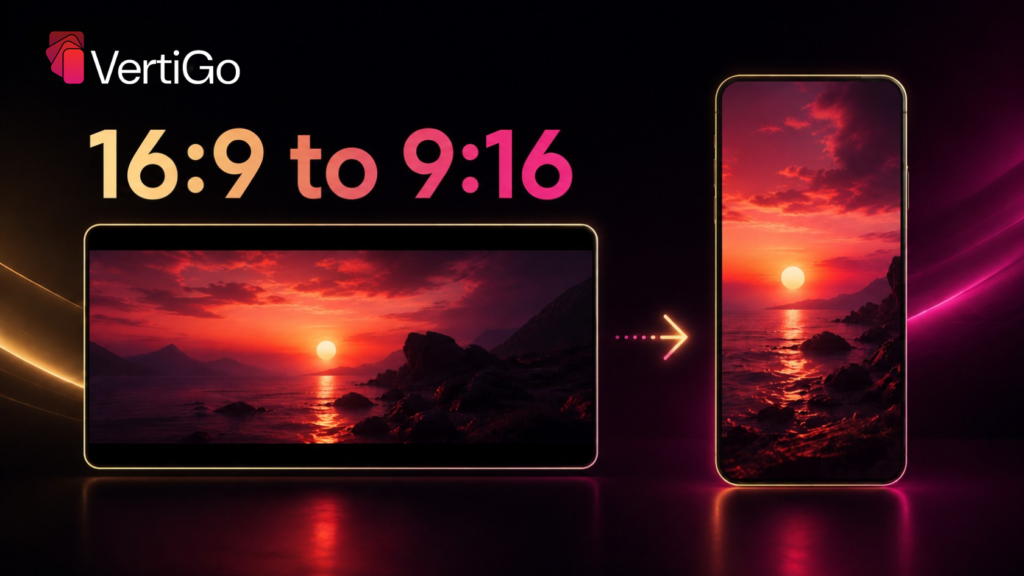
Every 16:9 to 9:16 converter is solving the same underlying math problem: a widescreen frame is roughly 78% wider, proportionally, than it is tall, and a 9:16 vertical frame needs the opposite – tall and narrow. There is no conversion that avoids this fact. Something has to give: picture information gets cropped away, stretched out of proportion, or new content gets generated to fill the gap. Which of those three happens is what actually separates a good 16:9 to 9:16 converter from a bad one.
The Math Behind the Conversion
A 1920×1080 (16:9) frame is 1.78 times wider than it is tall. A 1080×1920 (9:16) frame is the inverse – 1.78 times taller than it is wide. Converting directly between them without cropping or generating new content would require either squeezing the width down (distorting everything in frame) or leaving the extra vertical space blank. Neither is acceptable for anything beyond the most casual use, which is exactly why “converting” 16:9 to 9:16 is really a compositional decision, not a resizing operation.
The Three Things a Converter Can Do
Crop: cut the sides of the 16:9 frame down to a 9:16-shaped slice from the middle. Fast, lossy, and fine only when the subject sits centered with nothing important near the edges.
Stretch: squeeze the horizontal frame into the vertical dimensions without cropping. This preserves all the original picture information but distorts every proportion in it – faces, objects, and text all warp, and it is immediately visible to any viewer.
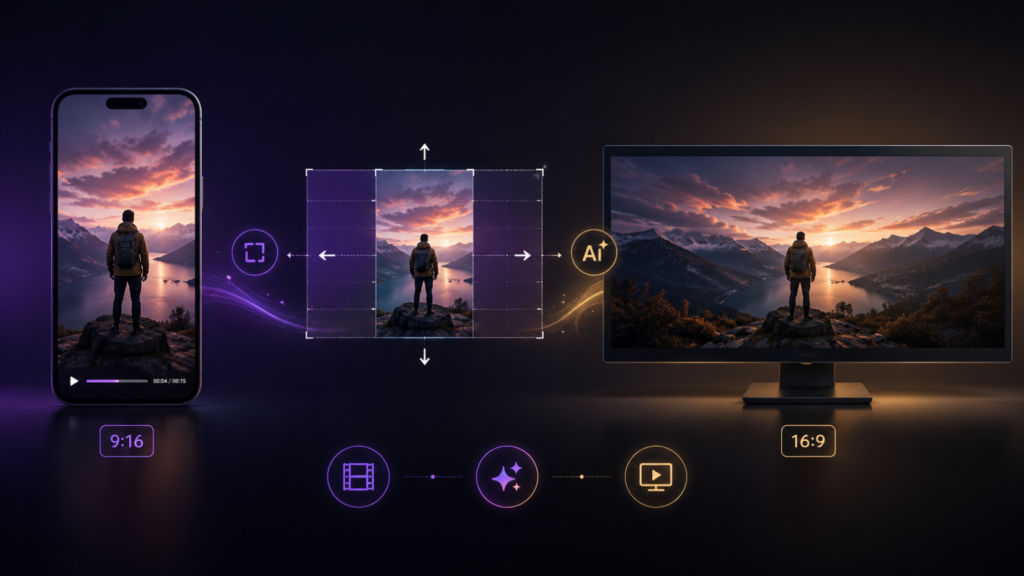
Generate: use AI to understand the scene and extend the frame vertically with new, contextually consistent content – background, environment, motion continuity – that wasn’t in the original shot but looks like it belongs there. This is the only approach of the three that can produce a result indistinguishable from footage shot natively in 9:16.
Why Most Free Tools Only Do the First Option
Cropping is computationally simple and requires no understanding of the scene, which is why the majority of quick, free 16:9 to 9:16 converters use it by default, sometimes with basic face-detection to decide where to center the crop. It works passably for simple, single-subject shots. It breaks down immediately for anything more complex – multi-person shots, on-screen graphics, product demos, or any composition where meaning depends on more of the frame than a centered crop preserves.
Where Context-Aware Conversion Comes In
The generate approach – analyzing the scene and building new frame content rather than cropping or stretching – is the technical basis of CineVision’s Vertigo, purpose-built for exactly this conversion. It’s covered in detail in how AI converts horizontal video to vertical without cropping, and it’s the reason context-aware tools consistently outperform basic converters on anything beyond simple talking-head footage.
Choosing Based on What You’re Actually Converting
The right approach genuinely depends on the source material. A single centered speaker with no on-screen text converts acceptably with a basic crop. Anything with multiple subjects, motion across the frame, graphics near the edges, or footage where background context matters needs a converter built to generate new frame content – cropping alone will lose too much of what made the original shot work.