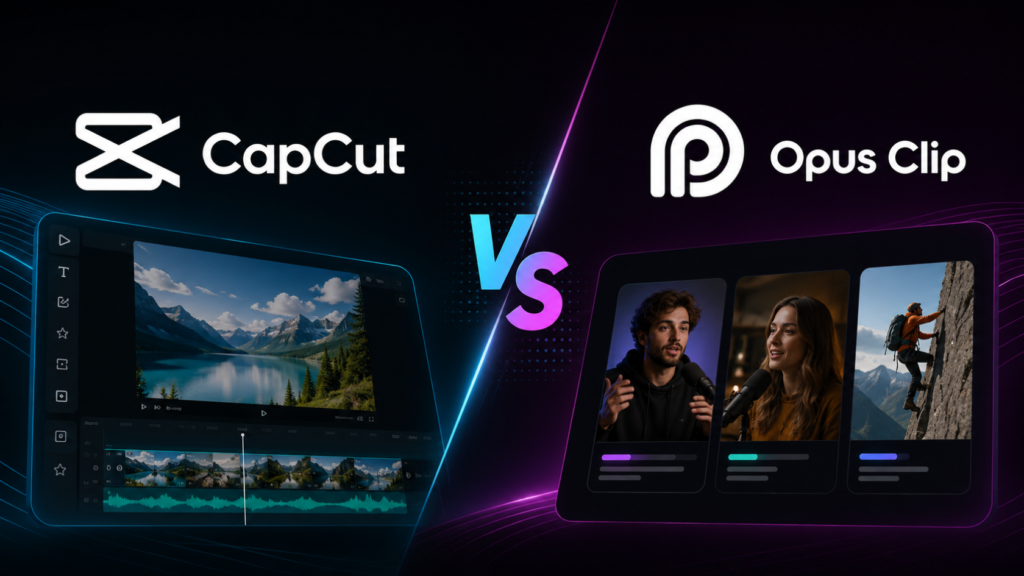
CapCut and Opus Clip get compared constantly, but they’re not actually solving the same problem. CapCut is a general-purpose video editor with built-in vertical templates and effects. Opus Clip is a clip-generation tool that scans long-form video and cuts out short, shareable moments. Choosing between them depends entirely on which part of the workflow you need – and neither one is built to solve the specific problem of converting existing footage into a genuinely well-composed vertical frame.
What CapCut Actually Does Well
CapCut is a full editing suite – trimming, effects, transitions, text overlays, audio, and a large library of templates, including some aspect-ratio presets aimed at social content. Its strength is breadth: one app that can produce a finished, stylized short-form video from scratch, especially for creators who want built-in effects and trending templates rather than a bare conversion tool. Its weakness for aspect-ratio conversion specifically is that reframing is template- and crop-based, not context-aware – it resizes to a preset, it doesn’t understand your scene.
What Opus Clip Actually Does Well
Opus Clip’s core value is automated moment-finding: feed it a long video and it identifies segments likely to work as standalone short clips, then exports them. For a podcast or long-form YouTube channel trying to generate a volume of short-form content without manually scrubbing through hours of footage, that’s a genuinely useful capability. Its limitation is the same one CapCut has on the conversion side – once it identifies a clip, the reframing to vertical is a crop applied to the selected segment, not a true reconstruction of the composition.
Where Both Tools Share the Same Gap
This is the part most comparisons skip: CapCut and Opus Clip are solving adjacent but different problems – one is a general editor, one is a clip-finder – and neither was purpose-built to solve context-aware aspect-ratio conversion as its core function. Both rely on cropping or template-based resizing when it comes to actually changing the frame’s aspect ratio, which is exactly the approach that loses picture information in multi-subject shots, product demos, or any footage where composition matters.
What “Context-Aware” Actually Means in Practice
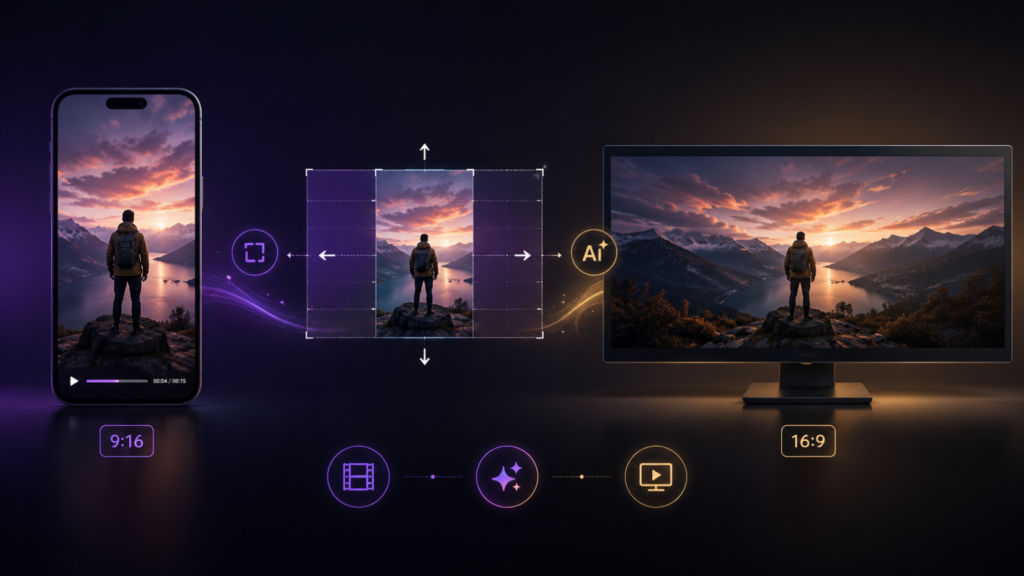
The distinction isn’t marketing language – it’s the difference between an aspect-ratio preset applied uniformly across a clip, and a system that tracks the subject, understands the scene, and reconstructs the frame around what actually matters in each shot. CapCut and Opus Clip were not built around that problem specifically; general editors and clip-finders have different core jobs. CineVision’s Vertigo was built specifically to solve conversion as a composition problem, described in how AI converts horizontal video to vertical without cropping – a different tool for a different part of the workflow than either CapCut or Opus Clip covers.
Which One Should You Actually Use
If you need a full editing suite with effects, transitions, and templates, CapCut covers that ground well. If you need to turn hours of long-form footage into a shortlist of clip candidates automatically, Opus Clip’s moment-finding is built for exactly that. If the problem you’re actually solving is converting existing footage – horizontal or vertical – into a properly composed frame for the opposite orientation, without a template crop losing what made the shot work, that’s a distinct requirement neither tool was built around as its primary function.
Many teams end up needing all three capabilities at different stages of the same project – editing, moment-finding, and true aspect-ratio conversion – which is why the right answer is rarely “pick one forever.” It’s understanding which job each tool is actually built for, so a template resize doesn’t get mistaken for a real conversion pass, and a clip-finder doesn’t get expected to double as a composition-aware reframing engine.